
Mobile Computers vs Dedicated Scanners: Which Way Is the Market Moving?
Two Devices, One Overlapping Job
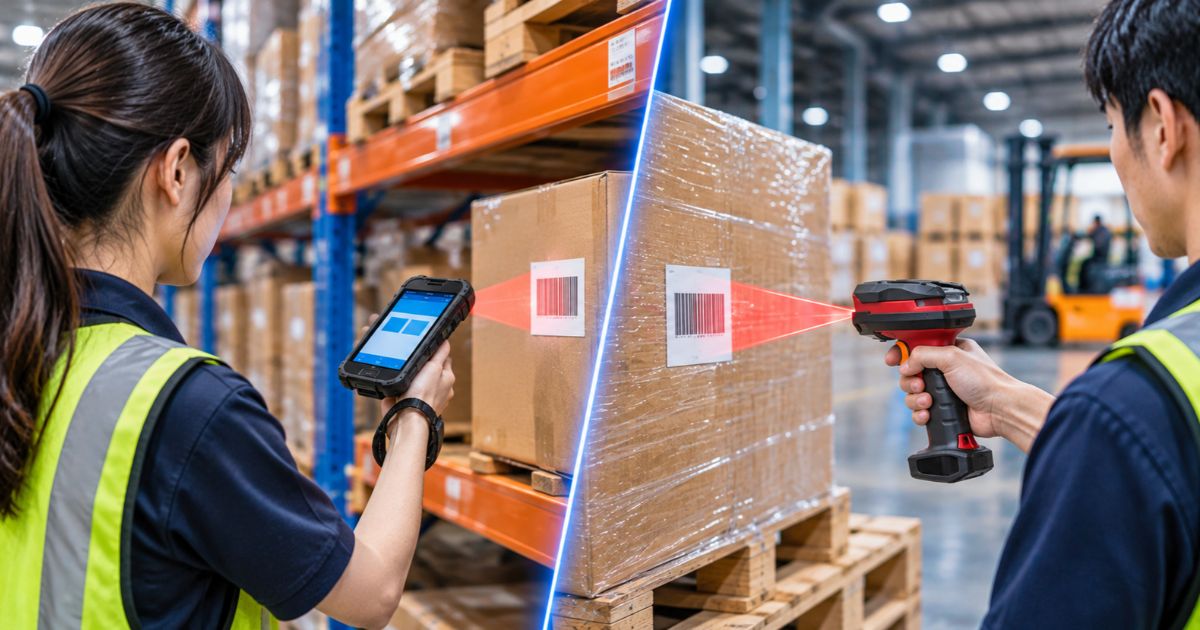
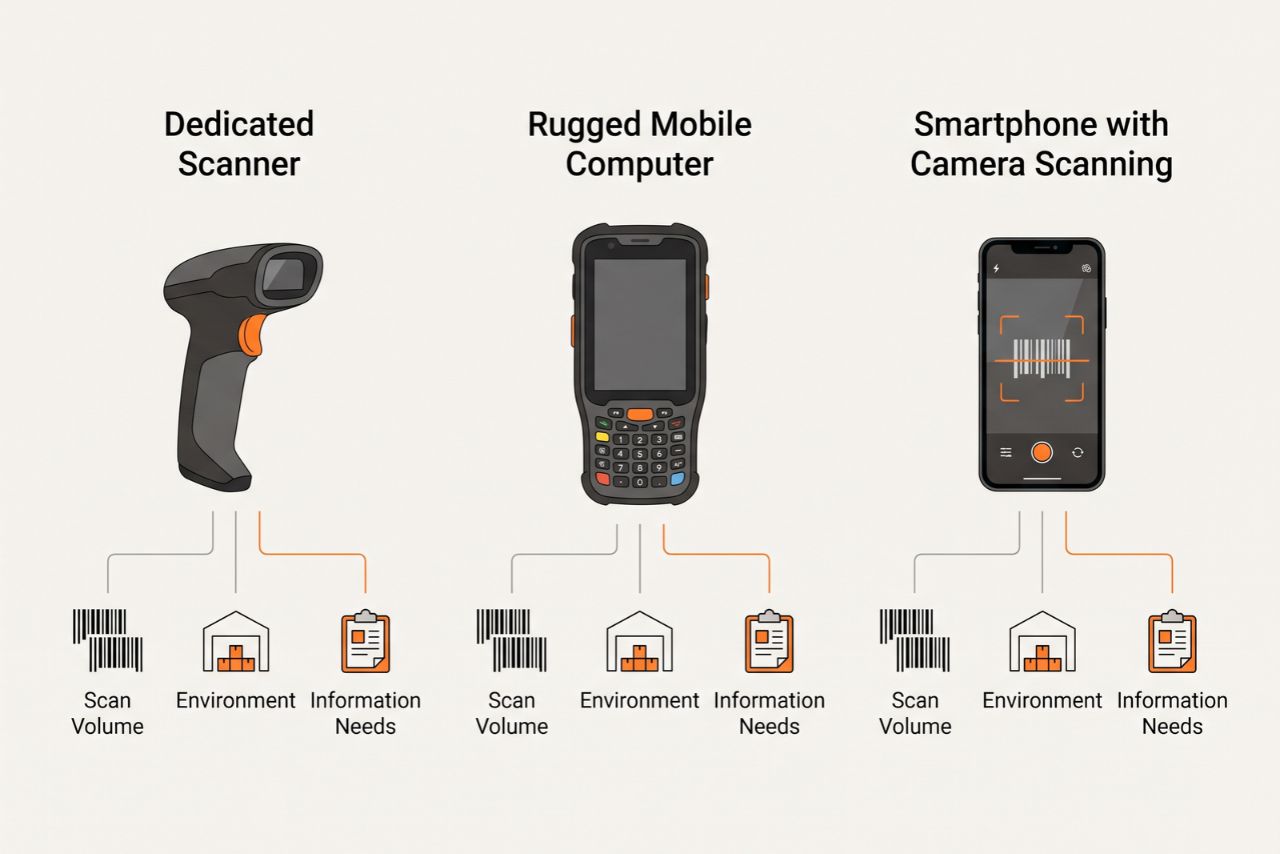
The question "are mobile computers replacing barcode scanners?" has a tidy ring and a messy answer. The two device types overlap in what they do, which is read a code and send the data on, but they differ in what surrounds that act. A dedicated scanner is built to read codes quickly and little else. A mobile computer is a handheld that runs applications, shows instructions, takes photos and communicates, and it carries a scan engine as one of its features. A third option, scanning with a smartphone camera and software, adds a lower-cost route that suppliers push hard and that evidence supports less clearly.
This article looks at what published sources say about the direction of the market, where each device earns its place, and how to decide by workflow instead of by trend. The honest summary is convergence, not replacement. Public market data that would settle the question sits behind paid reports, and most performance claims come from suppliers with something to sell, so the text marks which is which.
| 58% / 42% | One publisher's estimate of the installed split between dedicated barcode scanners (about 58%) and barcode mobile computers (about 42%). A single publisher with an unverified method, so treat it as indicative only. (Source: Business Research Insights, 2026) |
| Up to 3× | A software supplier's claim that smartphone scanning is up to three times faster than dedicated scanners in difficult light, at angles or on damaged labels. A hardware maker makes the opposite claim for integrated scan engines. Both are supplier claims. (Sources: Scandit; Zebra Technologies, retrieved 2026) |
| 2–3 vs 5–10 yrs | Operating system support life one device maker says consumer smartphones receive (two to three years) against enterprise devices (five to ten). This is a vendor statement and varies by model. (Source: Zebra Technologies blog, 2023) |
| 14–16% | Share of the total cost of ownership of mobile computers accounted for by hardware purchase in VDC Research studies, with productivity lost to hardware failure around 49%. The research is dated and covers mobile computers. (Sources: VDC Research via Control Engineering and Barcodes Inc., 2007) |
What the Evidence Says About Market Direction
The public record is thinner than the headlines suggest. VDC Research, which tracks both categories, publishes a rugged handheld computer report and a handheld barcode scanner report, and the public summaries of its recent editions point in two directions at once. In the rugged handheld computer report, the summary notes that pricing pressure keeps mounting as the value tier expands, and that large deals drive growth as organizations refresh aging device bases (Source: VDC Research report summary, 2025). In the handheld scanner report, the contents list software-based scanning and hybrid handheld and presentation scanners among the product trends (Source: VDC Research report contents, 2025).
Read together, those summaries describe a market in which cheaper mobile computers are pushing downward, software scanning is gaining consideration, and scanner makers are responding with new form factors. They do not say that dedicated scanners are shrinking. The full reports are paid, so we could not check the numbers behind them. An older VDC note describes the same landscape in terms of companion scanners that pair with other devices, sleds that turn consumer smart devices into scanning tools, and software platforms that use built-in cameras (Source: VDC Research blog, retrieved 2026).
One publisher estimates the installed base at about 58% dedicated scanners and 42% mobile computers (Source: Business Research Insights, 2026). We would not build a decision on that figure, but it matches the qualitative picture: both categories are large, and neither is going away.
Why the Two Categories Are Converging
Three developments, each visible in the sources above, explain why the line between the categories is blurring. First, the value tier of mobile computers keeps expanding, which lowers the price gap between a scanner-class device and a handheld computer (Source: VDC Research report summary, 2025). Second, software scanning has matured enough that buyers now evaluate it alongside purpose-built hardware instead of dismissing it. Third, scanner makers are adding hybrid handheld and presentation designs and software features, so a dedicated scanner is also becoming more flexible.
The effect for a buyer is that the choice is less binary than it was a decade ago. A single site may reasonably use a camera app for occasional scanning, a mobile computer for guided work and a cordless scanner for receiving. The cost of that variety is management, so the number of device types you adopt should follow real differences in the work, not enthusiasm for each option.
Where Mobile Computers Win
A mobile computer earns its higher price when the worker does more than scan. The scan engine is then one input among several, and the second device you avoid carrying is part of the value.
- Scan plus application work. Guided picking, proof of delivery, photos, signatures, inventory lookups and exception handling all need a screen and an application, not only a scanner.
- Mixed task days. A store associate who answers questions, checks stock and scans labels in the same hour uses fewer devices if one handheld does all three.
- Communication on the same device. Messaging and calling on the work device can replace a separate radio or phone.
- Central management. A fleet of Android devices can be configured, updated and locked down through mobile device management (MDM) software, which matters when the scanning workflow depends on an app.
Support life is a real consideration. One device maker states that consumer smartphones may stop receiving operating system updates after two to three years, while enterprise devices can be maintained for five to ten (Source: Zebra Technologies blog, 2023). That is a supplier statement and it varies by model, so ask each supplier for its update policy in writing, including how long security patches continue.
Where Dedicated Scanners Still Win
A dedicated scanner is better when the job is scanning, repeated hundreds or thousands of times a shift, and every second counts.
- Throughput and ergonomics. A trigger, an aimer and a scan engine built for the task let a worker point and shoot. Zebra describes an aimer-based picklist mode that selects one barcode among several without touching a screen, and says camera-based apps typically require screen interaction (Source: Zebra Technologies blog, 2023).
- Working range and depth of field. A Datalogic white paper argues that purpose-built scanners typically have a long depth of field, so codes can be read from a range of distances without refocusing (Source: Datalogic white paper, retrieved 2026).
- Battery and simplicity. A scanner has no large screen or application processor to power. One cordless datasheet lists battery life of up to 100 hours (Source: reseller comparison page, retrieved 2026).
- Lower management load. A scanner has fewer applications and operating system updates to manage, and a failed unit is simpler to swap.
These are manufacturer arguments, and Datalogic and Zebra both sell dedicated scanners. They are plausible, and they match how the devices are designed, but they come from the side that benefits. The practical fix is the same for every claim in this article: test on your own tasks.
Ring and wearable scanners belong in this group as well. They keep both hands free, pair with a mobile computer or a body-worn terminal, and suit tasks where the worker handles goods while scanning, such as packing or sorting. For those tasks the sensible comparison is not a handheld scanner against a mobile computer, but a wearable scanner paired with a screen against a single handheld that must be picked up and put down between every scan.
Smartphones and Camera Scanning: What Is Proven
Camera-based scanning software is real and improving. The difficulty is that almost every comparison we found was sponsored by a party with a stake in the result.
- Scandit, a scanning software maker, says its software scans up to three times faster than dedicated scanners in challenging light, at angles or on damaged labels (Source: Scandit, retrieved 2026).
- A test sponsored by Spectralink, which sells a phone with an enhanced scanning camera, found that its phone was faster on average than a Zebra MC40 handheld and recognized more symbologies (Source: Tolly report, retrieved 2026). The MC40 is an older model.
- Zebra cites a study by US Ergonomics that, in its words, confirmed consumer devices are poorly suited to business scanning in most cases, and says the study used a Zebra device (Source: Zebra Technologies blog, 2023).
Two sponsored studies disagree, and neither is independent. What both sides do suggest is where camera scanning fits. It suits occasional scanning, large codes, bring-your-own-device policies and low-volume use. It is a harder fit for high-volume scanning, long range and workers who must scan while wearing gloves or moving, where the physical trigger and aimer matter. A supplier-sponsored brief also notes that a scratched camera cover can stop a phone reading codes (Source: RF Smart application brief, retrieved 2026).
Decide by Workflow: A Simple Framework
The table maps common work patterns to the device type that usually fits. It reflects the evidence above and standard practice, not a measurement, so use it to start a pilot rather than to end a debate.
| Work pattern | Device type that usually fits | Why |
|---|---|---|
| Scan-only, high volume (receiving, pick verification) | Dedicated scanner, often cordless or a ring scanner | Speed, ergonomics and battery life dominate |
| Scan plus app tasks (guided picking, proof of delivery, field service) | Mobile computer with integrated scan engine | One device carries the app and the scanning |
| Mixed, occasional scanning (store lookups, ad-hoc counts) | Mobile computer, or a camera app on managed phones | Scanning is one task among many |
| Fixed station (pack bench, checkout) | Presentation or fixed scanner | Hands stay free and the device stays put |
| Mixed fleet in one site | Pair a dedicated scanner with a mobile computer over Bluetooth | Each device does what it does best |
The last row deserves attention. Pairing a scanner with a mobile computer or tablet is common, and it combines the application screen with the scanning ergonomics. Our comparison of Bluetooth and Wi-Fi scanners covers how those links work.
Several things can change the answer for your site. A higher labor cost makes every second saved per scan worth more, which favors the faster tool for scan-heavy jobs. A large share of non-scanning tasks favors the device that can run the application. Poor Wi-Fi coverage or a tight IT team favors fewer device types. A rugged environment shifts the comparison toward devices designed for it, whichever category they belong to.
How to pilot the options
- Pick two or three real tasks, such as receiving, guided picking and a store lookup, and define what success means for each in seconds per task and errors per hundred tasks.
- Give each candidate to the same workers for at least a week, rotating devices so that no one device gets the best shift.
- Use your own labels and lighting, including damaged and low-contrast labels, and record first-read rate.
- Track failures and interruptions: battery changes, crashes, pairing problems, update prompts and re-scans.
- Ask the workers, and weigh comfort and wrist strain alongside the numbers, as supplier studies on both sides have done.
Compare the Whole Cost, Not the Device Price
VDC Research studies of mobile computers found that hardware purchase made up only about 14–16% of total cost of ownership, and that productivity lost to hardware failure accounted for about 49% (Source: VDC Research 2007, cited by Control Engineering and Barcodes Inc.). The numbers are old and refer to mobile computers, but the principle applies to every option here: the price of the device is the smaller part of what it costs you.
Build the comparison from the whole stack. For a mobile computer, count the device, the MDM licenses, the accessories, the support plan and the replacement cycle. For a paired scanner and phone, count both devices, the pairing and management of the link, and the extra charging and replacement for the second device. As a plain illustration, a 100-person team that carries a scanner in addition to a phone has 100 more devices to charge, pair, repair and replace than a team that uses a single mobile computer. That is arithmetic, not evidence, but it shows where the hidden costs sit.
Also consider failure. In the VDC tablet study cited in our article on industrial and commercial scanners, non-rugged devices failed more often than rugged ones, with 52–80 minutes of lost work per failure. Whatever device you choose, ruggedness matters more than category.
Questions to Ask Before You Choose
- What share of each worker's time is pure scanning, and what share is app work, communication or lookups?
- How many scans does a worker make per shift, and how much does one extra second per scan cost over a year?
- Does the workflow need a physical trigger and aimer, for example for gloved use or for picking one code among many?
- What are the operating system and security update commitments for each candidate, in writing?
- Which management platform will handle the fleet, and what does it cost per device?
- If we pair scanners with phones or tablets, who owns pairing, replacement and battery management?
- Has each candidate been piloted on our own labels, in our own light, for at least a week?
- What is the total cost over the expected service life, including accessories, support and the cost of failures?
Choose by Task, Not by Trend
The market is not moving in a single direction. Mobile computers are getting cheaper and are taking over work that mixes scanning with application tasks. Software scanning is gaining ground where scanning is occasional. Dedicated scanners remain the efficient choice for scan-heavy work, and several makers are adding new form factors.
For a buyer, the right question is how much of each worker's day is scanning and what else the device must do. Answer that from your own measurements, pilot the candidates on your own tasks, and treat every performance claim, including those in this article, as something to verify.
Frequently Asked Questions
Are mobile computers replacing dedicated barcode scanners?
The public evidence points to convergence rather than replacement. VDC Research summaries describe a growing value tier and price pressure for rugged handheld computers, and list software-based scanning and hybrid scanners among scanner trends. We found no public data showing dedicated scanners shrinking, and one publisher's indicative estimate puts the installed base at about 58% scanners and 42% mobile computers.
When should I choose a mobile computer over a dedicated scanner?
Choose a mobile computer when the worker does more than scan: guided picking, proof of delivery, photos, signatures, stock lookups or exception handling. One device then carries the application and the scanning, and an MDM platform can manage the fleet. Choose a dedicated scanner when the job is mostly scanning, repeated hundreds or thousands of times a shift.
Can a smartphone replace a dedicated barcode scanner?
For occasional scanning, large codes, bring-your-own-device policies and low volume, camera scanning can work. For high-volume, long-range or gloved work, the physical trigger and aimer matter more. The comparisons we found are sponsored by suppliers on both sides, one claiming up to three times faster scanning on phones and another claiming the opposite, so pilot on your own tasks.
How should I compare the total cost of a scanner and a mobile computer?
Count the whole stack: the device, MDM licenses, accessories, support and replacement cycle, and for a paired scanner and phone, both devices plus the pairing and the extra charging. VDC Research studies of mobile computers found hardware purchase was only about 14–16% of total cost of ownership, although those studies are dated and do not cover scanners.
Scanning in a demanding environment?
Share your operating conditions, and we'll give you an honest view of what fits.
Explore ALVICS Products →